
Skip to content

Plans are better with good company.

Post what you want to do and meet a verified buddy to do it with, or share your time with people near you. Here's how Social Companion works, from the first plan to the final review.

ID-verified membersLook for the tick

No booking feesPay buddies directly

A smiling traveller with a backpack, surrounded by map pins, a map and a paper plane

Two ways to use Social Companion

Join as a client, a buddy or both. One account covers it, and you can switch views anytime from your dashboard.

A smiling woman planning a weekend trek on her phone
As a Client

Have a plan? Find the right company for it.

Post what you want to do and meet a verified buddy to join you for the things you love.

  • Post plans for travel, food, events, fitness and more
  • Invite buddies you like or pick from requests
  • Save favourites and book them again

Post a plan
A cheerful traveller with a backpack, surrounded by reviews, plans and earnings
As a Buddy

Turn your time into meaningful connections.

Meet new people, share your favourite activities and earn on your own schedule.

  • Get found in search with a public buddy profile
  • Choose only the plans that suit you
  • Set your own rate and build your reviews
Become a buddy

Safety is part of every step.

Social Companion is for platonic companionship only. These tools are built in so you can focus on the plan, not the worry. Always meet in a public place first.

  1. A smiling young woman outdoors
    01

    Verified members

    Members verify their mobile, email and government ID. Look for the tick next to a name before you say yes.

    Mobile Email Government ID
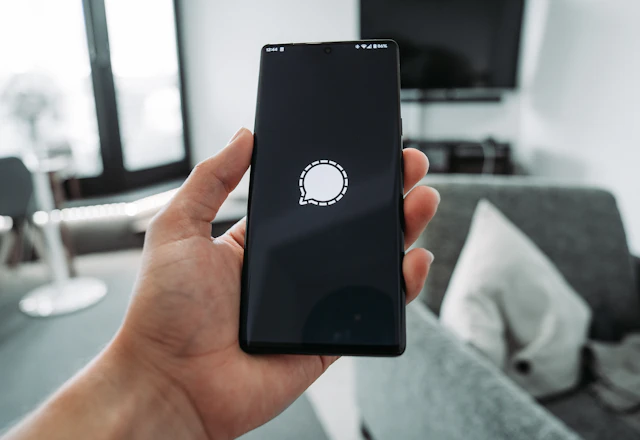
  2. A hand holding a phone with a chat app open
    02

    Private by default

    Phone numbers and emails are never shown. Plans are agreed in in-app chat, which blocks contact details and links.

    Can I get your number?

    Contact details stay private
  3. Friends sitting around a campfire at night
    03

    PIN check-in

    A plan only starts when the buddy enters the client's 4-digit PIN, so you know you've met the right person.

    4719
    Checked in
  4. A hand holding a smartphone
    04

    Share your plan

    Send someone you trust a live link with who you're meeting, where and when. It stops working after the plan ends.

    Trusted contact link Live plan status
  5. A group of friends hiking together
    05

    Help is always close

    Report a profile, message or booking in two taps, block anyone instantly and call 112 from any booking.

    Report Block Call 112

Ready to make your next plan better?

Join friendly locals who are up for coffee, movies, city walks and weekend trips. It only takes a minute to get started.